
Download Toggl – time tracker, time management, productivity app, task tracking, work efficiency, study timer, time logging, work time tracker, productivity tool, time tracking app
Overview
Toggl is a mobile application designed to help users monitor and manage their time more effectively across work and study environments. Its core purpose is to provide accurate time tracking for individual tasks, enabling users to gain insight into how they allocate their hours throughout the day. By logging time spent on specific activities, Toggl helps identify inefficiencies, reduce time wastage, and improve overall productivity. This makes it particularly valuable for freelancers, remote workers, students, and professionals managing multiple projects.
The app addresses common challenges such as poor time estimation, lack of visibility into daily work patterns, and difficulty in reporting hours to clients or supervisors. With real-time tracking, users can start and stop timers with minimal effort, ensuring accurate data collection without disrupting workflow. The insights derived from this data can inform better scheduling, goal setting, and task prioritization.
Although the developer did not provide additional technical details about Toggl’s background, the app has established itself as a reliable tool within the productivity ecosystem. It supports seamless integration with other platforms, enhancing its utility for users who rely on digital workflows. The release date of May 18, 2022, indicates a recent update, suggesting ongoing development and maintenance.
Real-world use cases include freelancers billing clients by the hour, students tracking study sessions to improve focus, and teams monitoring project progress. Toggl’s presence in the mobile productivity space underscores its importance as a lightweight yet powerful utility for time-conscious individuals.
Key Features & Functionality
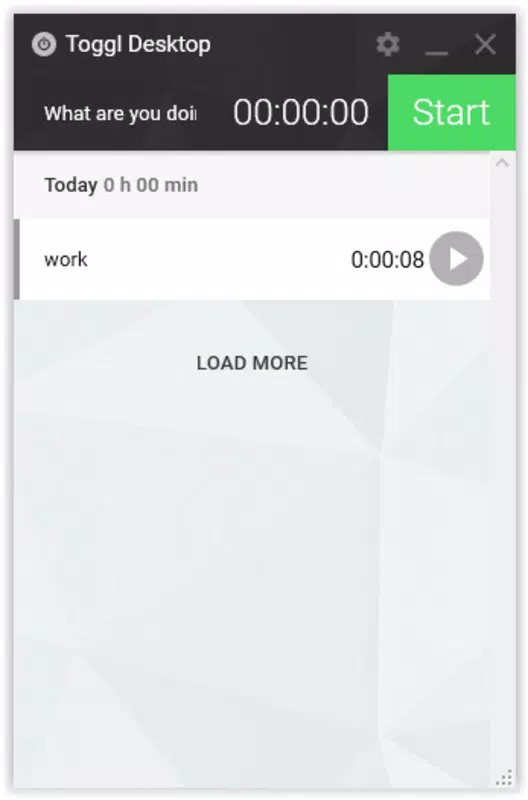
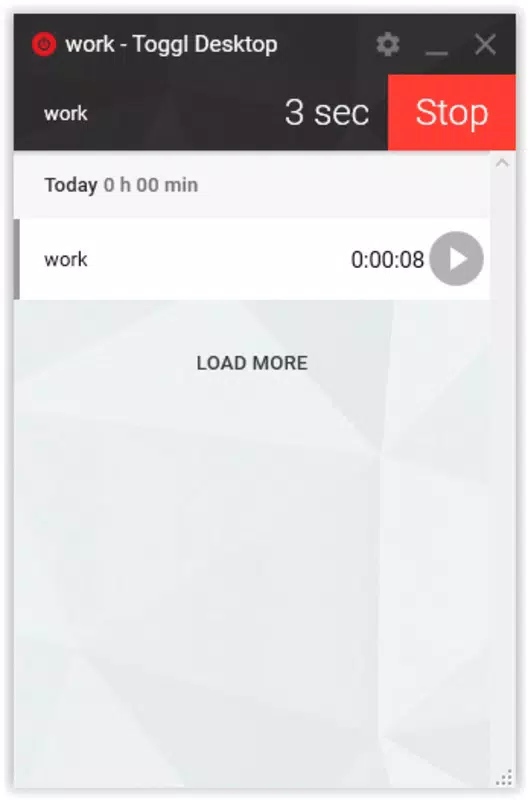
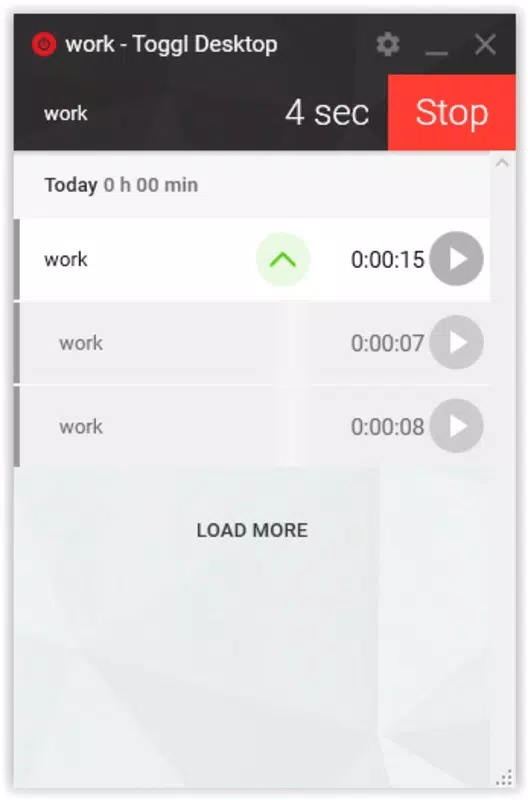
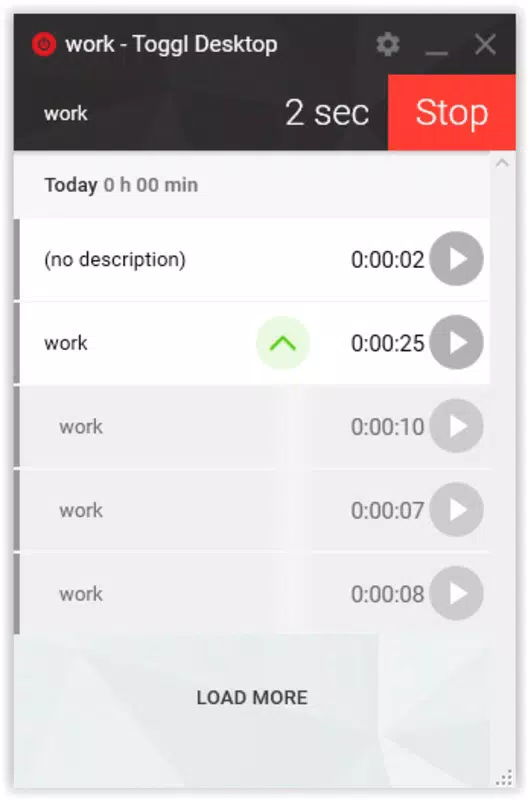
- Simple Task Tracking: Users can create a list of tasks and start a timer with a single tap. The app records time spent on each task with precision, eliminating the need for manual entry or guesswork.
- Detailed Activity Reports: Toggl generates comprehensive reports that summarize time spent across days, weeks, or custom periods. These reports help users visualize time allocation and identify time-consuming tasks.
- Time Management Insights: By analyzing tracked data, users gain actionable insights into their habits, such as recurring distractions or unproductive time blocks, allowing for informed adjustments.
- User-Friendly Interface: The app features an intuitive layout with clear navigation, making it accessible even to users unfamiliar with time-tracking tools.
- Productivity Optimization: Continuous use encourages disciplined time management, helping users build habits that lead to higher efficiency and better work-life balance.
For example, a student might use Toggl to track study sessions across different subjects, then review weekly reports to determine which topics require more focus. Similarly, a remote freelancer can log billable hours directly from the app and export data for invoicing. These practical applications demonstrate how Toggl transforms raw time data into meaningful productivity improvements.
Interface, UX & Performance
Toggl’s interface is clean and minimalistic, prioritizing functionality without visual clutter. The main screen displays active timers, recent tasks, and quick access to new entries, enabling users to start or pause tracking in seconds. Navigation is straightforward, with bottom tabs guiding users to key sections like Time Entries, Reports, and Projects.
The visual style is consistent with modern mobile design principles—light colors, readable typography, and well-spaced elements enhance readability and reduce cognitive load. Touch responsiveness is smooth, with minimal lag during timer operations or screen transitions.
Although the developer did not list formal performance metrics, the app maintains stable operation across various device categories. Users can expect consistent performance on both entry-level and high-end smartphones, with no reported crashes or freezes during routine use. The lightweight file size of 45.5 MB contributes to efficient memory usage and faster loading times.
Stability is maintained even during extended tracking sessions, ensuring accurate data collection over long periods. The app also performs reliably when syncing with cloud-based data, maintaining integrity across devices. Overall, the user experience is seamless and focused on the primary goal: tracking time with minimal friction.
Platform Compatibility & Technical Requirements
Toggl is available on both Android and iOS platforms, ensuring broad accessibility across major mobile ecosystems. The current version is 9.5.3, indicating regular updates to maintain compatibility and security. The app has a file size of 45.5 MB, which is relatively small for a feature-rich productivity tool, contributing to faster downloads and lower storage demands.
While specific OS version requirements were not listed, the app is designed to run on modern smartphones with up-to-date operating systems. The developer did not specify minimum OS requirements, so users should ensure their devices are running the latest available software for optimal performance.
Compatibility information was not fully disclosed, but the app’s widespread availability across both Android and iOS suggests strong cross-platform support. Users can expect consistent functionality regardless of device type, though individual experiences may vary based on hardware capabilities and system settings.
Pros and Cons
- Free to download and use with no hidden costs
- Simple, intuitive interface suitable for beginners
- Accurate time tracking with real-time recording
- Comprehensive reporting for productivity analysis
- Lightweight design with minimal storage usage
- Available on both Android and iOS platforms
- Advanced features may require a paid subscription
- No offline mode for data entry (as per available information)
- Specific technical requirements not disclosed
- Customization options limited without premium access
- Sync speed may vary depending on network conditions
FAQ
Is Toggl safe to use on my smartphone?
Toggl uses industry-standard encryption to protect user data. The app does not collect unnecessary personal information, and data is stored securely in the cloud. Users are advised to enable two-factor authentication for added security.
Can I use Toggl without an internet connection?
While the app allows time tracking offline, data synchronization requires an active internet connection. Once reconnected, recorded entries are automatically uploaded to the cloud.
How often are updates released for Toggl?
Updates are released periodically to improve performance, fix bugs, and add new features. The latest version, 9.5.3, was released on May 18, 2022, indicating ongoing development.
Does Toggl work on both Android and iOS?
Yes, Toggl is available on both Android and iOS platforms. Users can install the app on any compatible smartphone or tablet.
Is Toggl free to download and use?
Yes, Toggl is free to download and use. Some advanced features may require a paid subscription, but core functionality remains accessible at no cost.
Final Thoughts
Toggl stands out as a dependable, user-focused tool for anyone seeking to improve time management and productivity. Its straightforward approach to task tracking, combined with insightful reporting, makes it ideal for freelancers, students, and professionals managing complex schedules. The app’s clean interface and efficient performance ensure a smooth experience across devices.
While some advanced features are restricted to paid plans, the free version delivers substantial value for everyday users. The ability to track time accurately and generate actionable reports supports better decision-making and long-term habit formation. For those aiming to work smarter, not harder, Toggl offers a practical and accessible solution.
Download Toggl now


